
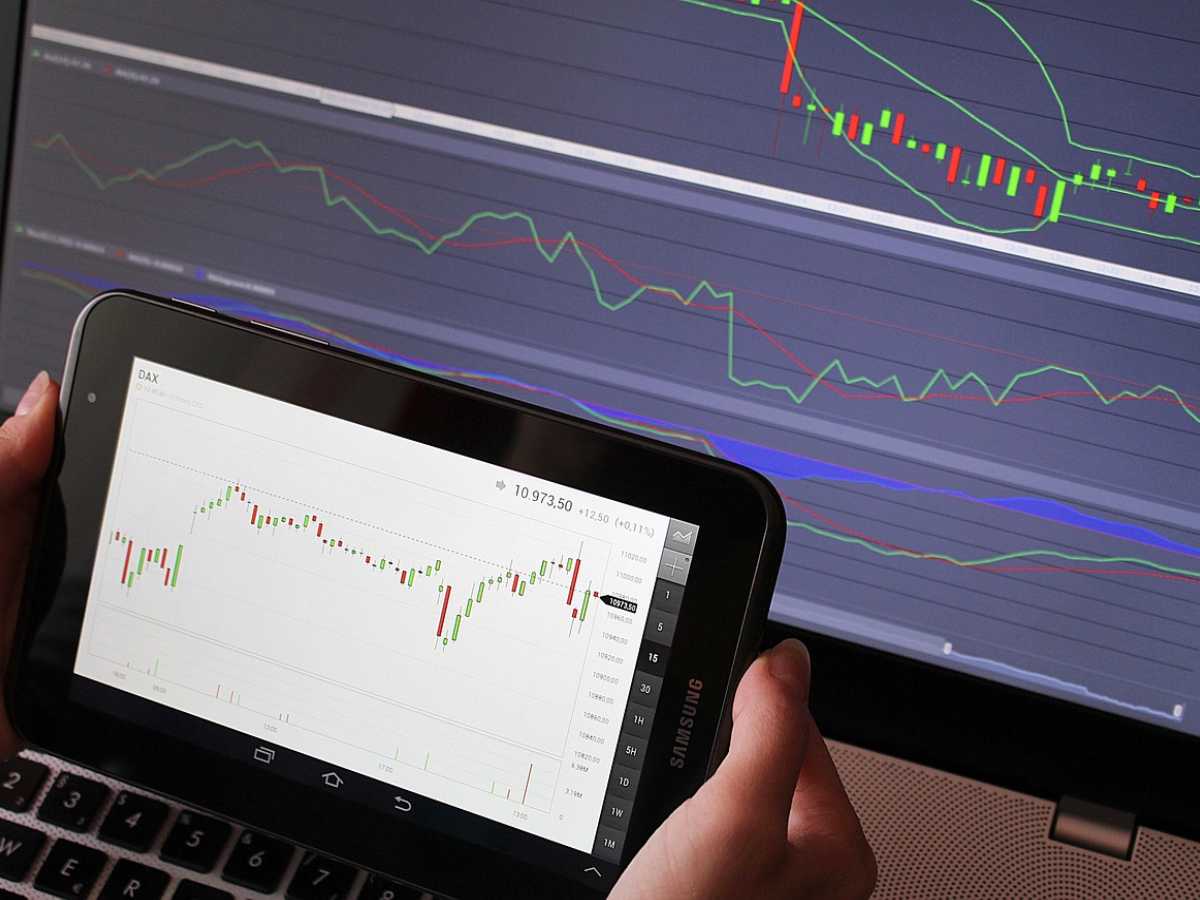
Trading looks easy until you realize that you have to spend countless hours gazing at charts. If you want to trade like a pro without wasting any time, then you need to learn how automatic trading with Meta Trader 5 works.
This tool allows you to trade according to strategies that you have created or selected. You can easily go about your day since Meta Trader 5 scans data for you, spots any opportunities, and takes action when needed.
Now that you have a rough idea about how auto trading MT5 works, let’s dive into the details.
Table of Contents
Discover the Fundamentals of MT5 Auto Trading
It is helpful to understand how auto trading operates on MT5 before you begin. To put it simply, Meta Trader 5’s automatic trading feature allows your computer to make trades on your behalf, utilizing intelligent programs known as expert advisors.
Depending on the settings you select, these tools take care of everything, including opening, closing, and managing trades. Are you curious about how to do algorithmic trading in MT5? It’s like having a trading helper that never becomes weary or loses an opportunity. The allure of MT5 automated trading lies in this.
How to Set up Meta Trader 5
Download Meta Trader 5 from your broker or the official website like Weltrade to begin your automatic trading with Meta Trader 5 experience. Importantly, your MT5 automated trading experience depends on a reliable internet connection. After installation, log in to your account. Next, locate “expert advisors” by opening the “navigator” panel.
This is where auto trading MT5 starts to teach you how to use algorithmic trading in MT5 and how auto trading operates.
Choose or Create Your Own Trading Robot
Now is the time to get a little creative. If you’re new to automatic trading with Meta Trader 5, it’s a good idea to start with a reputable EA from the Meta Trader Market. There are many free and paid ones, but if you’re interested in algorithmic trading in MT5, you can learn to code your own EA using MQL5 and tailor it to your trading objectives and risk tolerance.
Connect the Trading Chart to Your EA
Another essential step to understand automatic trading with Meta Trader 5 is to return to your MT5 platform after setting up your EA. Just drag your EA from the “navigator” area onto the chart after selecting the asset or currency combination you want to trade. You can modify trade size, stop-loss level, and risk preferences in the settings window that will show up.
Even the best automatic trading with Meta Trader 5 configuration won’t work if you don’t click “allow auto trading.” We hope we have answered your question, “How does auto trading work on MT5?”
Examine Your Trading Strategy
Use the MT5 approach tester to test your approach before making any live transactions. Before you risk real money, it helps you understand how auto trading MT5 operates and lets you observe how your plan performs in various market scenarios.
Once you are certain that your setup is sound, switch to live trading and continue to constantly monitor the results. You’ll still need to make minor adjustments as markets fluctuate, even with automatic trading using Meta Trader 5 or auto trading MT5.
Conclusion
Don’t forget that this is not the end. MT5 auto trading how does it work? You need to stay updated on market trends. You need to keep learning, improve your trading techniques every time, and understand how to take and manage risks. This is the only way you are going to stay ahead of the curve. Automate your trades and elevate your game.
