
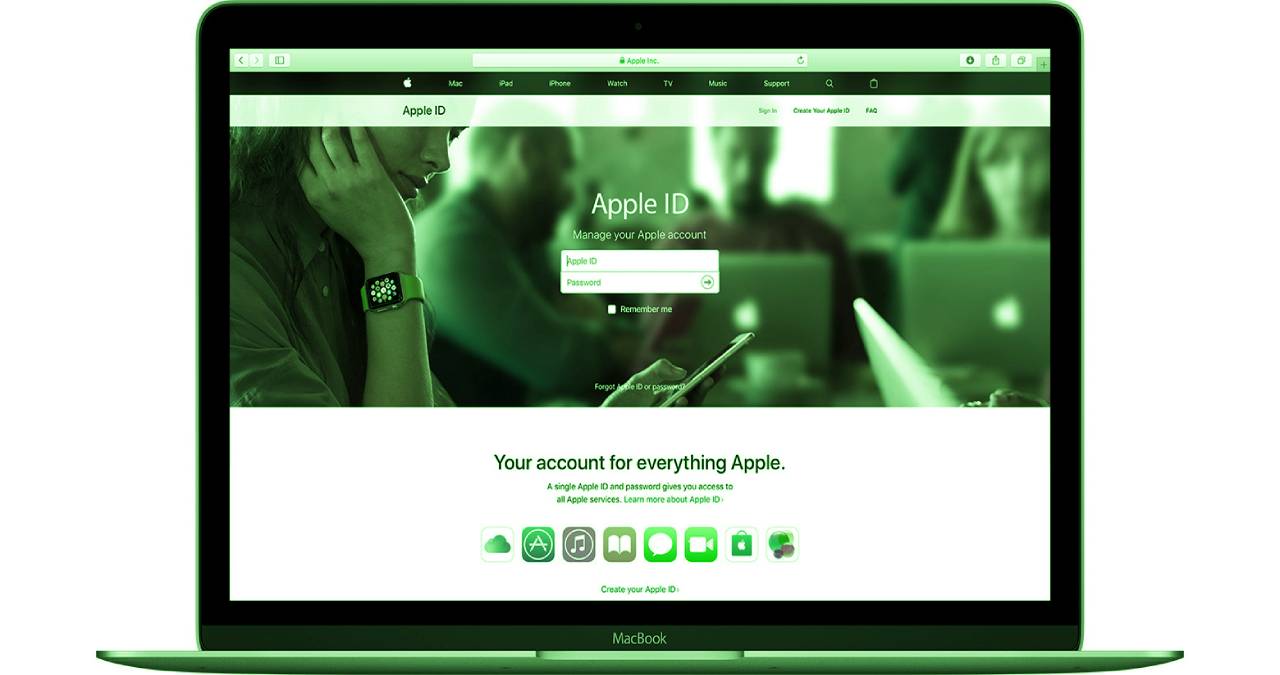
Anyone who uses Apple knows the Apple ID. It represents the central key to using Apple’s various services. But what exactly is this about? What exactly can it do and what options does it offer?
Regardless of whether you log in to Mac on iTunes or via iPad, the Apple ID is always included and an important part, because without it, practically nothing works. Nevertheless, there are always some open questions about Apple ID. We answer the most common questions.
Table of Contents
Where can I get the Apple ID from?
If you do not yet have an Apple ID, you can create one via iTunes using the “My Apple ID” item. You go through a normal registration process. Once created, the Apple ID can be used with all Apple services.
What is the Apple ID anyway?
Think of Apple ID as a form of Apple ID. This enables you to identify and verify yourself against all Apple services that you want to use.
I forgot my Apple ID
If you have forgotten your Apple ID, it is no problem to find it out again. Simply go to the “My Apple ID” page at apple.com and select “Manage my Apple ID”.
Then click “Forgot Apple ID?” You now need to enter some information that Apple can use to find out your ID. You will then have to authenticate yourself and set a new password.
Can I change my password?
You can also change the password of your Apple ID via the item “Manage my Apple ID”. Simply log in and select the password area under the settings.
Can I connect multiple Apple IDs?
Unfortunately, if you have used several Apple IDs in the past, they cannot be merged or combined. Simply use your preferred account in the future. The content of your other accounts will continue to be available.
Can I share my Apple ID with a second person?
Even if you can share your Apple ID with a spouse, for example, it is not recommended. Just think of the security risks that can be caused by disclosure.
I no longer have my Apple ID email address
Your Apple ID should always be linked to an active email address. If your old email address is no longer up-to-date, you should definitely enter your new address.
Apple asks me to confirm the ID
Occasionally, Apple sends an email when your Apple ID changes. These are intended to confirm the changes, ie to verify them. This is a security measure if, for example, third parties have gained access to the account.
In addition, certain services such as FaceTime require confirmation by email before they can be used.
Can I change my personal data stored?
Yes, with “Manage my Apple ID” you can not only manage the name behind your Apple ID but also customize all other personal data.
Can I also change the security question?
It is also possible to change the security question about your Apple ID. Simply go to “Manage my Apple ID”, log in, and then adapt the security request to your current situation.
